 Porul.
From screen to something real.
A considered digital object, ready for your own printer. Explore the design, check the specifications, and download the STL.

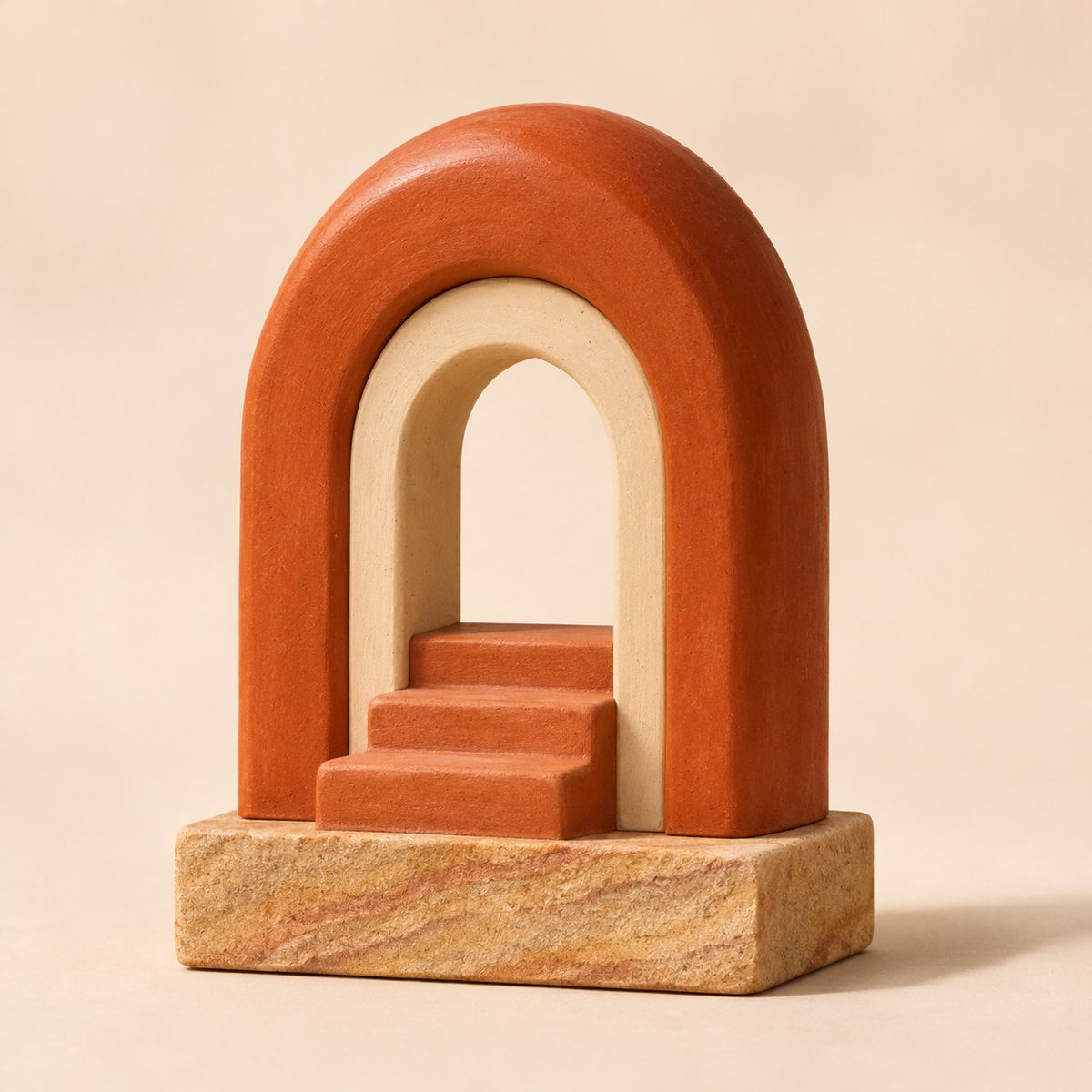
The design is digital. The making is yours.
Review the specifications and print it on your own machine. There is no physical delivery.
STL format
A standard mesh format that opens in any slicer.
Digital delivery only
A download link — nothing is shipped.
Check before printing
Confirm size, parts and printer fit first.
A few checks. A better print.
Selected design: Folded Loop / STL. Confirm your options and we’ll share the file details.
 Folded Loop — render
Your workflow. Considered.
Choose design
Pick the object you want to make.
Review specifications
Check format, scale and parts.
Select file option
Design study or custom file.
Download STL
Digital delivery — no shipping.
Prepare and print
Slice and print on your machine.
Check the file. Know the fit.
| Format / delivery | STL; digital download only. |
|---|---|
| Geometry / scale | Mesh dimensions confirmed with the file — check before printing. |
| Parts / supports | Confirm parts and supports in your slicer. |
| Slicer / printer fit | Check your build volume and slicer settings. |
| Price / access | Access and any price confirmed with the file. |
| Use / care | Personal use unless a separate licence says otherwise. |
Explore the form.
Before you press print.
The measurements and units, your printer’s build volume, and how the parts and supports look in your slicer.
STL opens in any common slicer. Tell us your printer and slicer in the notes if you are unsure.
Yes — scale and supports are set in your slicer. Ask us if you want guidance.
Digitally only. After you confirm the checks you get a time-limited download link; nothing is shipped.
The standard licence is personal use. For selling prints or a custom file, choose “Custom file enquiry” and tell us what you need.